

-
Laptop Won't Turn On at All? How Technicians Actually Trace a Short Circuit
A laptop or MacBook with no lights, fan or response is often one failed component, not a dead motherboard. Here's how technicians trace a short circuit. -
Before You Upgrade Windows 11: Five Hardware Checks That Can Save You a Failed Update
Windows 11 24H2 support ends 13 October. Before you upgrade, check your SSD, battery and power health so a hardware fault doesn't turn into lost data. -
MacBook Won't Boot or Stuck in Recovery Mode? It Could Be the T2 Chip
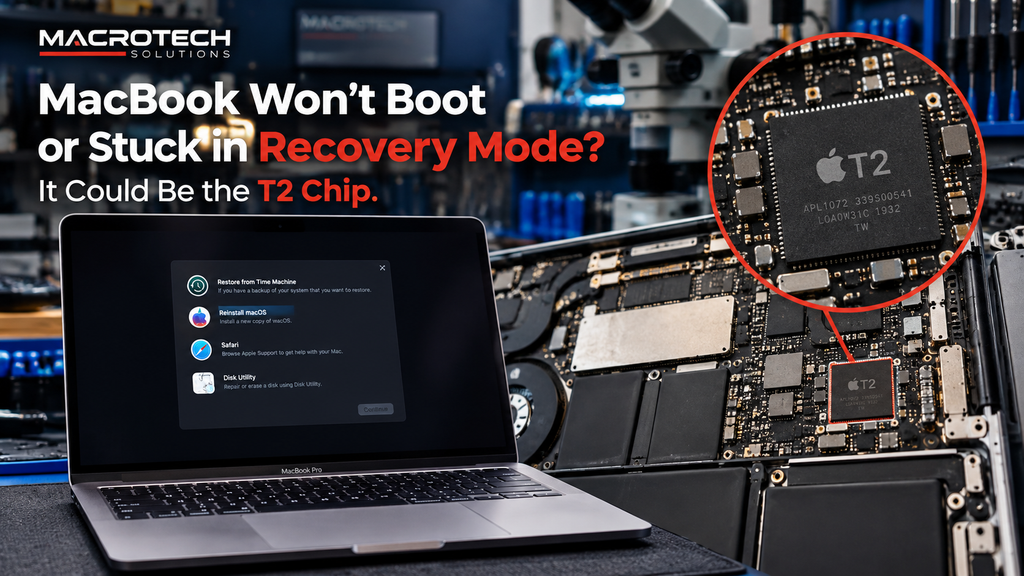 MacBook stuck in recovery mode or looping on the Apple logo? Here's what the T2 chip does, why DFU Restore can wipe your data, and when it's a board fault.
 -
Why Doesn't My New Laptop Have Upgradeable RAM Anymore? Soldered RAM vs LPCAMM2 Explained
 If you've ever tried to add more memory to a laptop bought in the last few years and been told it isn't possible, you're not imagining it — and it isn't a fault. Most modern thin-and-light laptops (and every current MacBook) now ship with their RAM soldered permanently to the motherboard. It's a genuine change in how...
 -
Desktop Won't Turn On? How to Tell If It's the Power Supply or the Motherboard
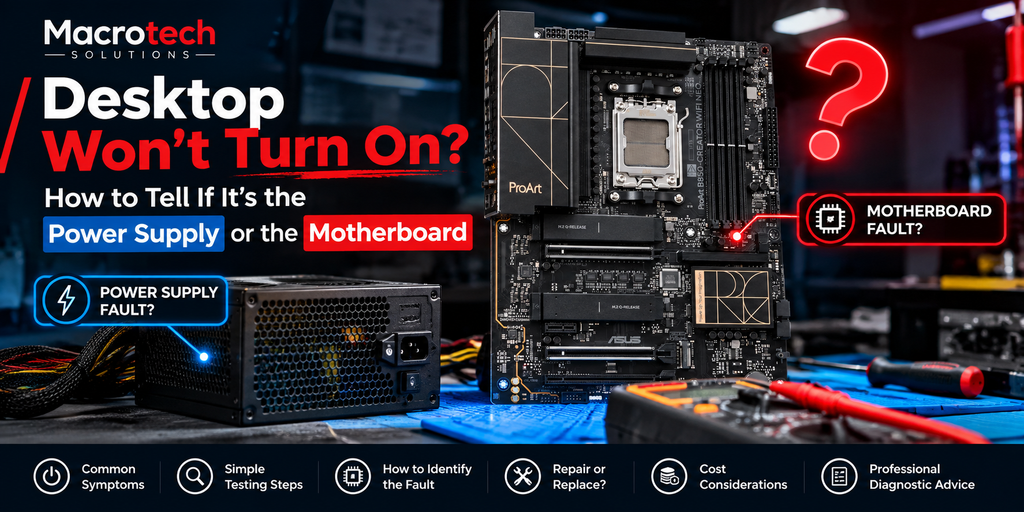 Desktop won't power on? Here's how to tell whether it's a failed power supply or a motherboard fault, and why professional diagnosis avoids guessing.
 -
Apple's Repair Pricing vs Component-Level Repair: Why the Bill Can Look So Different
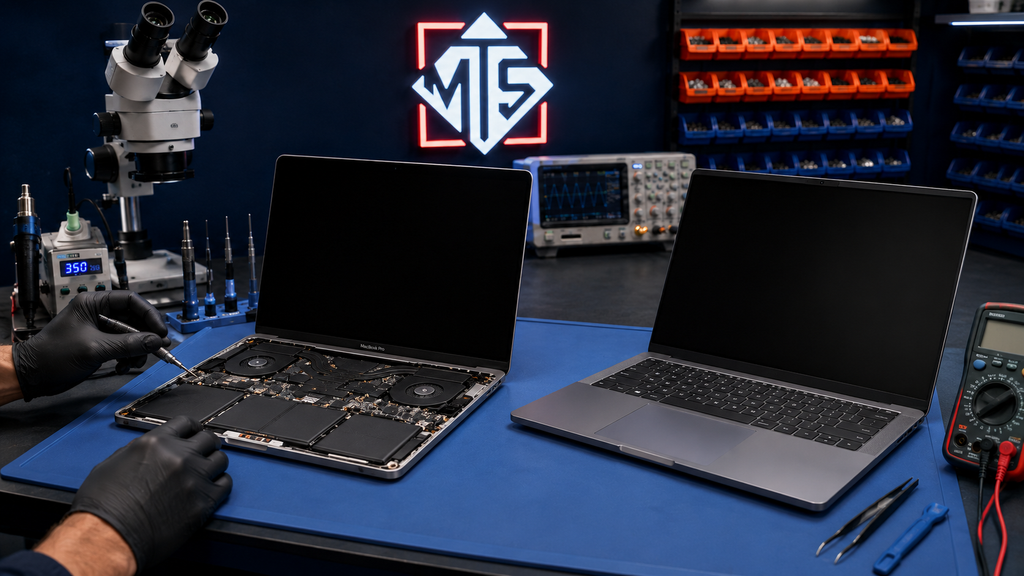 Wondering why an Apple screen or battery quote seems high? Here's how flat-rate pricing compares to component-level repair, and when each makes sense.
Service Centre: 50 Titan Dr, Carrum Downs
Open 10 AM to 5 PM
