

Desktop PC Restarting by Itself? How to Tell a Power Supply Fault From Memory or the Motherboard
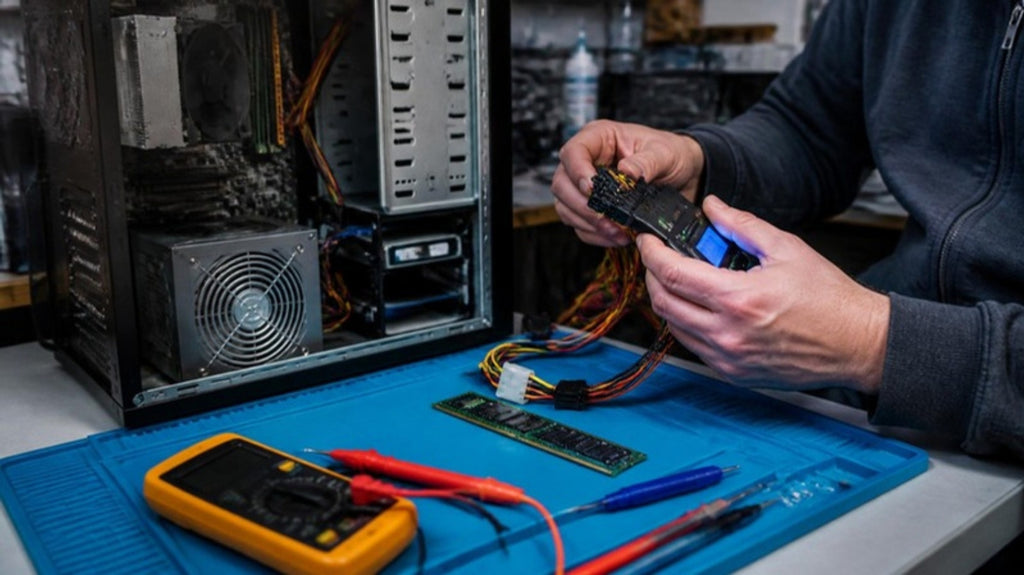
A desktop that restarts or shuts down on its own, with no warning and no blue screen, is one of the harder faults to pin down. It might happen while you game, while it idles, or only when you open a heavy program. Because a power cut-out looks the same whether the cause is the power supply, the memory or the motherboard, it is easy to replace the wrong part. Here is how to narrow it down.
Look at how it happens
Instant restart or shutdown, no error
If the screen goes dark and the PC reboots instantly, with no blue screen and no message, the power was interrupted or a protection circuit tripped. That points toward the power supply, a short, or heat.
Blue screen, then restart
A blue screen means Windows caught a problem and chose to stop. Memory, drivers and storage faults are more likely in that case. Note the stop code on the screen. It is a useful clue.
Only under load, or only when hot
If it happens when the PC works hard, the cause may be an overheating processor or a power supply that cannot cope. If it happens at idle, a failing component or a memory fault is more likely.
Checks you can safely do
- Check Windows' own record. The Event Viewer lists an unexpected-shutdown entry after a power loss. An entry with no earlier warnings points toward a sudden power cut-off rather than a software crash.
- Look at temperatures. Use a monitoring tool to watch the processor temperature. Clogged filters and dust-blocked coolers are common and easy to clear. Turn the PC off and unplug it before cleaning.
- Reseat the memory. With the PC off and unplugged, press each memory module firmly into its slot. Try the PC with one module at a time to see whether a single stick is faulty.
- Remove extras. Unplug USB devices, extra drives and add-in cards, and see whether the problem stops.
If the PC will not turn on at all, our guide on power supply versus motherboard faults covers that case.
The three usual suspects
Power supply
A power supply that is ageing or overloaded can sag under load and trip its protection. A cheap or undersized unit that was fine for the original parts may no longer cope after a graphics card upgrade. The most reliable test is a known-good power supply of suitable rating. Do not open a power supply. The capacitors inside can hold a charge even when unplugged.
Memory
A faulty memory module often causes blue screens and freezes, but it can also cause restarts. Testing one stick at a time, or running a memory test tool, separates a good module from a bad one.
Motherboard
Failed capacitors or power components on the board, a damaged power connector or a fault in the power delivery to the processor can all cause random restarts. These faults often need inspection under a microscope; see how to spot a capacitor or MOSFET failure, and whether it is worth repairing. If the PC also shows a blank screen at start-up, the fault may be a no-POST problem.
Do not just keep swapping parts
Replacing the power supply, then the memory, then the graphics card is a costly way to find a fault. A structured test saves money. Test with a known-good power supply, test the memory individually, check temperatures, and only then look at the board. If a power supply failure damaged other parts, the board may need repair too.
How we diagnose it at Carrum Downs
We bench-test the PC with known-good parts, measure the power rails, check temperatures under load and inspect the board when the power and memory tests are clear. You get a plain explanation of the cause before any repair is quoted. We also build and upgrade custom PCs, so we know what a given set of parts needs from its power supply. We help customers across Carrum Downs, Frankston, Cranbourne, Lyndhurst, Langwarrin, Seaford, Skye and Patterson Lakes. See our computer repairs page for more.
Frequently Asked Questions
Why does my desktop restart on its own?
Common causes are a failing power supply, faulty memory, overheating or a motherboard fault. How and when it happens helps identify which.
How do I know if it is the power supply?
Instant restarts with no error, especially under load, point toward the power supply. A test with a known-good unit confirms it.
Can bad RAM cause random restarts?
Yes, though it more often causes blue screens and freezes. Testing modules one at a time can find a faulty one.
Is it safe to keep using it?
Repeated sudden shutdowns can risk data and corrupt files. Back up what you can and get the cause found.
Can a motherboard fault be repaired?
Often a failed component can be repaired by microsoldering. We confirm what is possible after diagnosis.
PC restarting on its own? Get the power supply, memory and board tested before you replace anything.
Book a DiagnosticMacrotech Solutions is an independent repair centre and is not affiliated with Microsoft or any device manufacturer. Brand names are trademarks of their owners.