

Dell or HP Laptop Stuck in a Blue-Screen or BitLocker Recovery Loop? It Might Not Be Windows
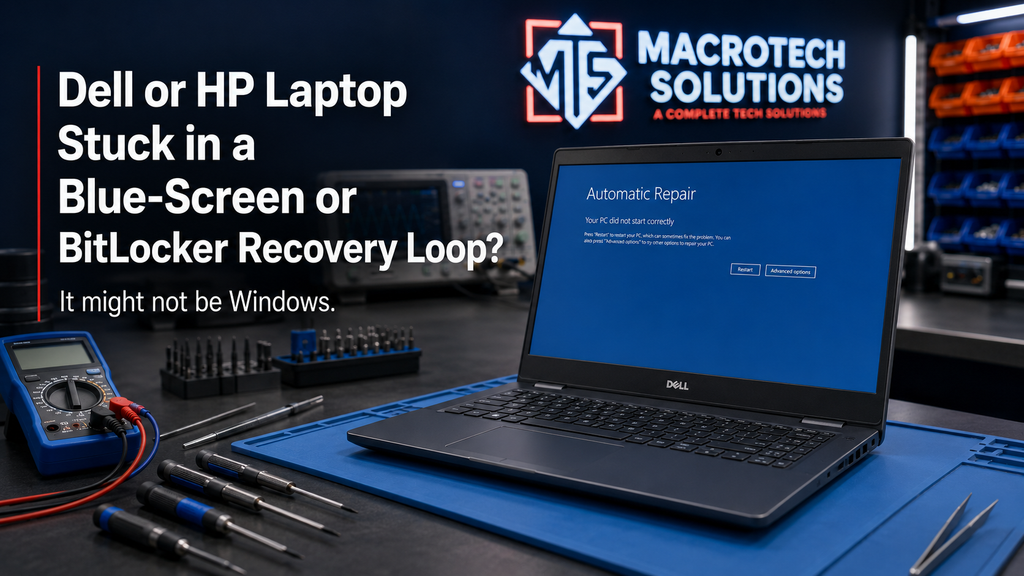
If your Dell or HP laptop has been stuck in a blue-screen loop or an endless BitLocker recovery screen this year, it's easy to assume a Windows update is to blame — that's usually the first place people look. In two of 2026's most common cases, though, that assumption is wrong. Both Dell and HP have separately shipped their own faulty updates this year — one a support-software update from Dell, the other a BIOS update from HP — that trap PCs in exactly these loops, with no Microsoft update anywhere near the root cause.
Knowing which one you're dealing with (or whether it's neither, and something else entirely) changes what actually fixes it.
Two Real 2026 Bugs That Aren't Microsoft's Fault
Both issues below are documented by independent tech-press outlets and, in HP's case, acknowledged by the manufacturer itself. Neither is a Windows 11 update problem, which is why running Windows Update or waiting for a Microsoft patch won't resolve either one.
Dell: The Support Software That Crashes Its Own PCs
Dell's SupportAssist Remediation tool — the background service meant to help Dell PCs recover from problems — became the problem itself after version 5.5.16.0 rolled out at the end of April 2026. Reports of crashes began surfacing from around 12 May 2026, with the Dell XPS 15 9530 among the most widely reported affected models, alongside other Dell and Alienware machines.
The symptom is distinctive: a CRITICAL_PROCESS_DIED (0xEF) blue screen, traced to DellSupportAssistRemediationService.exe, recurring roughly every 30 minutes — not a one-off crash, but a genuine loop that makes the laptop effectively unusable.
The fix
- Uninstall or disable "Dell SupportAssist Remediation" 5.5.16.0 from Installed apps.
- Check for a corrected release before reinstalling — Notebookcheck reports Dell has since shipped an updated SupportAssist Remediation build that resolves the crash.
- If the laptop crashes too fast to reach Settings, boot into Safe Mode first, then remove the service from there.
HP: The BIOS Update That Traps PCs in a BitLocker Loop
HP's April 2026 BIOS updates for its Commercial Notebooks, Desktops and Workstation PCs (running Windows 11 23H2, 24H2 or 25H2) caused a different, more stressful problem: machines boot straight to a BitLocker recovery screen. What makes it worse is that entering the correct recovery key doesn't actually fix it — the PC reaches the desktop, but the operating system fails to register that the drive was unlocked properly, so on the very next restart it falls straight back into the same recovery screen.
According to reporting on HP's own acknowledgement of the issue, the faulty firmware reset TPM measurements and corrupted the Secure Boot certificate store — which also collides with Microsoft's 2023 Secure Boot certificate rollout (the same certificate transition we covered in our Secure Boot certificate update guide, since the older 2011 certificates many PCs still rely on expire in June 2026).
This is not a "have a go and see" fix for most people. Getting Secure Boot and BitLocker settings wrong on an already-locked, encrypted business laptop is one of the more common ways we see a recoverable software fault turn into a genuine data-access problem — which is exactly the scenario where it's worth having someone who does this daily handle it rather than trial-and-error.
How to Tell Which Bug You Have (Or If It's Neither)
| Symptom | Most likely cause |
|---|---|
| Dell/Alienware, repeating CRITICAL_PROCESS_DIED roughly every 30 minutes | SupportAssist Remediation 5.5.16.0 |
| HP business laptop, BitLocker recovery screen returns even after entering the correct key | April 2026 HP BIOS update |
| Blue screens with a different stop code, or on a non-Dell/HP machine | Different cause — see our Windows 11 BitLocker lockout guide |
| Laptop won't power on at all, or shows physical damage/swelling | Hardware fault, not software — book a diagnostic directly |
When a Software Fix Won't Cut It
Most cases of both bugs resolve with the steps above. It's time to stop self-troubleshooting and get it looked at if:
- The blue-screen loop continues after fully uninstalling SupportAssist Remediation.
- The BitLocker recovery loop persists after a BIOS reset, or you're not confident making BIOS/Secure Boot changes yourself.
- You don't have your BitLocker recovery key saved anywhere and the PC won't boot past the recovery screen.
- The laptop shows other symptoms alongside the loop — overheating, physical damage, or it won't charge.
BitLocker, BSOD and Motherboard Repair Support in Carrum Downs
We see both of these patterns come through the workshop, usually from people who've already spent a weekend trying registry tweaks and forum advice before deciding it needs a proper diagnostic. At 50 Titan Drive, Carrum Downs, we check whether it's genuinely the Dell or HP software issue, a different Windows fault, or an underlying hardware problem the software issue is only masking — and we'll tell you plainly which one it is before any repair goes ahead. We serve Carrum Downs, Frankston, Cranbourne, Lyndhurst, Langwarrin, Seaford, Skye, Patterson Lakes and the surrounding southeast Melbourne suburbs.
Stuck in a blue-screen or BitLocker loop and not sure which cause applies to you?
Call 03 8759 1801 or bring it in for an honest diagnostic — no guesswork, no pressure.
Book a DiagnosticFrequently Asked Questions
Is this actually a Windows problem, or is it Dell/HP's fault?
My Dell keeps blue-screening with CRITICAL_PROCESS_DIED — what do I do?
I entered my BitLocker recovery key on my HP but it's stuck in the loop again — why?
Is my data safe if this happens?
When should I bring it in rather than keep troubleshooting myself?
Macrotech Solutions is an independent computer repair centre and is not affiliated with, endorsed by, or sponsored by Dell, HP or Microsoft.