

-
Desktop Won't Turn On? How to Tell If It's the Power Supply or the Motherboard
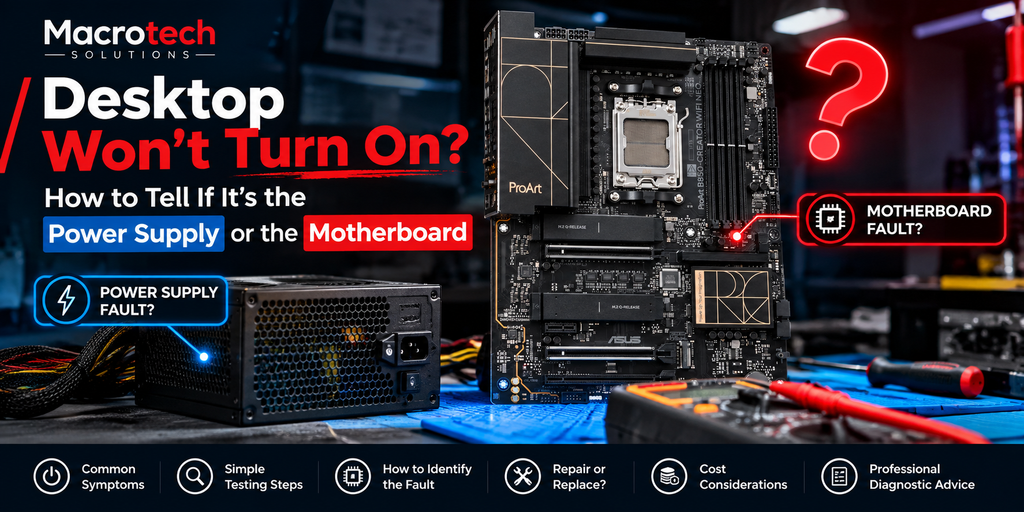 Desktop won't power on? Here's how to tell whether it's a failed power supply or a motherboard fault, and why professional diagnosis avoids guessing.
 -
Windows Says "Turn On Virus Protection" But Defender Is Already On? Here's What's Happening
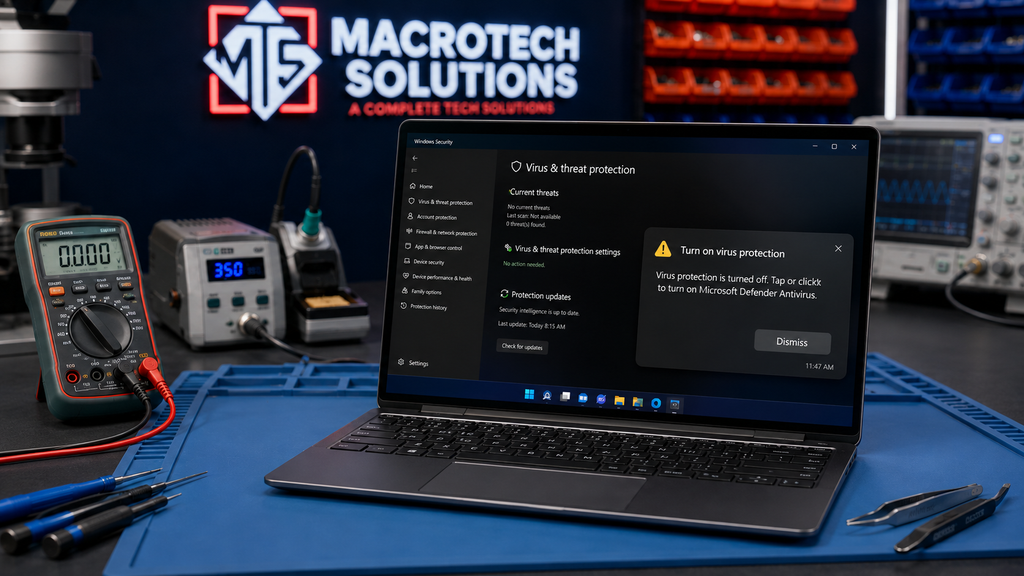 Windows 11 users are seeing a false "turn on virus protection" warning after the August 2026 update. Here's what's happening and how to check you're safe.
 -
Repair or Replace? A Practical Decision Guide for Laptop and Mac Owners
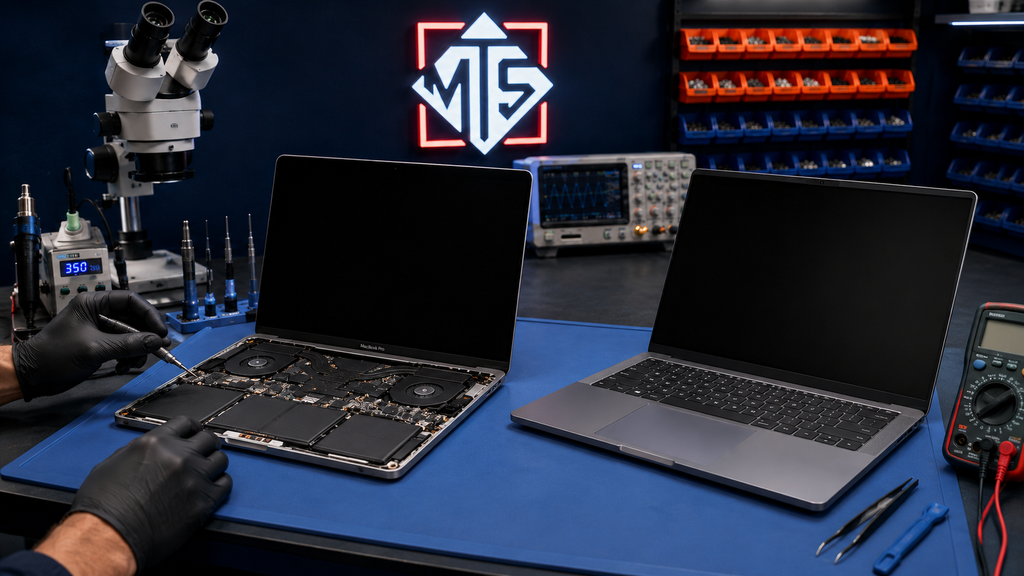 An independent repair centre's honest, practical guide to deciding whether to repair or replace a faulty laptop or Mac, with a five-question test and fault-by-fault breakdown.
 -
Dell or HP Laptop Stuck in a Blue-Screen or BitLocker Recovery Loop? It Might Not Be Windows
 Dell SupportAssist and HP BIOS bugs are trapping 2026 laptops in BSOD or BitLocker loops — not a Windows update. Here's how to tell which, and fix it.
 -
Windows 11 Wi-Fi or Bluetooth Keeps Disconnecting? Here's What's Actually Going Wrong
Windows 11 Wi-Fi or Bluetooth cutting out? See the confirmed Intel driver conflict, quick fixes, and how to tell if it's a hardware fault needing repair. -
Why Is Your Windows Laptop Running Slow? How to Diagnose High CPU, Disk and Memory Usage
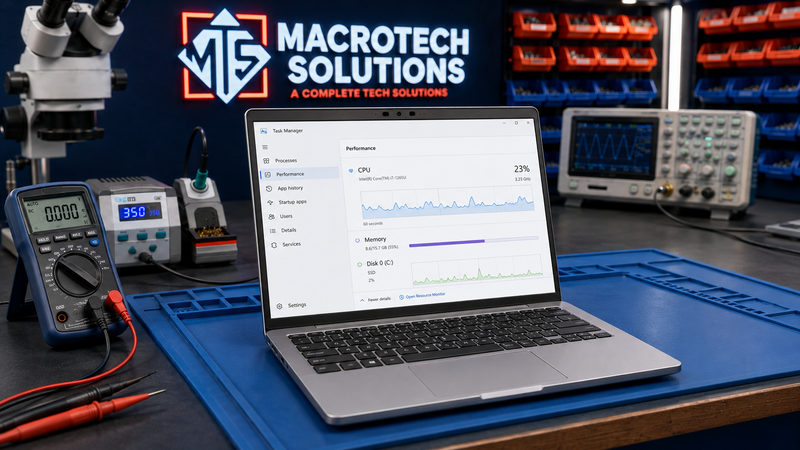 Windows laptop running slow? Learn to check CPU, disk and memory usage, spot real hardware faults, and know when it's time for a diagnostic.
Service Centre: 50 Titan Dr, Carrum Downs
Open 10 AM to 5 PM
