

Apple Just Made Three More MacBooks "Obsolete" — Here's What That Actually Means
If you've owned your MacBook for seven or eight years, Apple just quietly changed your options. On 31 August 2026, Apple updated its official support document listing vintage and obsolete products, moving three MacBooks from "vintage" status into the more serious "obsolete" category. Here's what that distinction actually means for your machine — and why it matters more than most people realise.
Which MacBooks Just Became "Obsolete"?
Apple added three specific models to its obsolete products list this week:
2017 13-inch MacBook Pro (Two Thunderbolt 3 Ports)
This model used Intel's Kaby Lake processors and was a fairly minor update at the time. Its newest compatible operating system is macOS Ventura, released back in 2022 — meaning it's already been missing security patches for the two most recent macOS versions.
2018 13-inch MacBook Pro (Four Thunderbolt 3 Ports)
The 2018 refresh added True Tone display support and a third-generation "butterfly" keyboard. It tops out at macOS Sequoia — one version behind the current macOS Tahoe.
2018 MacBook Air (Retina Display, Touch ID)
This was the first MacBook Air with a Retina display and Touch ID, and the first redesign of the Air line since 2010, bringing a thinner chassis and smaller bezels. It can only be updated to macOS Sonoma, putting it two OS releases behind.
If you own one of these three specific models, this change affects you directly. If you own a slightly different generation — a 2016 or 2019 MacBook Pro, for instance — Apple works through this list gradually, and yours may follow in the next year or two.
"Vintage" vs "Obsolete" — What's the Actual Difference?
Apple uses a two-stage system based purely on how long ago a product stopped being sold new, not on how well it still works:
- Vintage: more than five years, but less than seven years, since Apple last sold the product new.
- Obsolete: more than seven years since Apple last sold the product new.
Vintage devices can still be serviced at Apple Stores and Apple Authorised Service Providers, provided parts are available. Once a product crosses into obsolete territory, that changes — Apple generally stops offering repairs and stops manufacturing replacement parts for it altogether.
What "Obsolete" Really Changes for Repairs and Parts
This is the part that catches most owners out. It doesn't mean the laptop stops working, and it doesn't mean Apple reaches into your machine remotely. Your MacBook will keep running exactly as it did the day before the classification changed.
What it means is that if something does go wrong — a swollen battery, a cracked screen, a keyboard that's stopped registering keys, a logic board fault — an Apple Store or Apple Authorised Service Provider is very unlikely to be able to help you, because Apple itself has stopped supplying the parts needed to do the repair. As AppleInsider put it in its coverage of this update, owners of newly obsolete devices "will need to rely on third-party repair shops from now on."
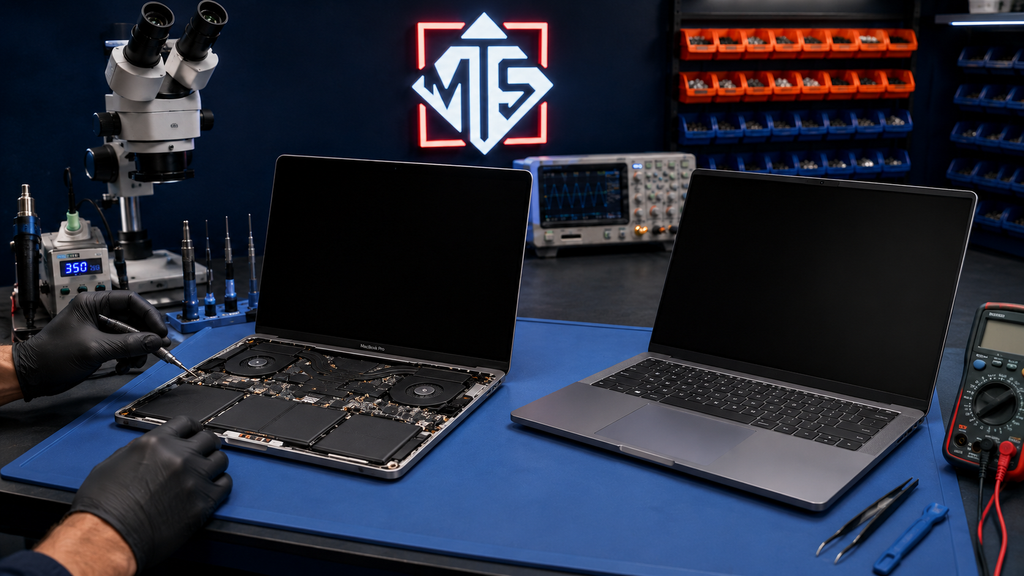
That's the whole practical shift: the repair pathway moves from Apple's own network to independent specialists who source parts, use component-level repair techniques, or refurbish parts from donor boards.
The One Exception: Battery Replacements
There is one useful carve-out. Apple maintains a battery-only repair policy for Mac laptops for up to ten years after the model was last sold new. That means 2017 and 2018 MacBook Pro and 2018 MacBook Air owners may still be able to get an official battery replacement through Apple, even though the device is otherwise classified obsolete. Everything else — screens, keyboards, trackpads, charging ports, logic-board faults — falls outside that exception.
Should You Repair or Replace an Obsolete MacBook?
Obsolete doesn't automatically mean "time to upgrade." A 2017 or 2018 MacBook with a healthy logic board and a fresh battery can still comfortably handle web browsing, email, documents and everyday use — it simply won't run the newest macOS features or the latest resource-heavy software.
The real question is whether the specific fault you're dealing with is worth fixing. A battery swap or a screen replacement on an otherwise-healthy seven-year-old MacBook is often genuinely cost-effective. A logic-board failure on the same machine is a harder call, and worth an honest, obligation-free assessment before you decide either way. We've covered this decision in more general terms in our repair-or-replace guide if you want the fuller picture.
How Macrotech Can Help Carrum Downs and Southeast Melbourne Owners
This is exactly the gap independent repair centres exist to fill. At Macrotech, we regularly work on MacBook models well outside Apple's current service window, including:
- Battery replacement and swollen-battery safety checks
- Screen and backlight repair
- Keyboard, trackpad and Touch ID troubleshooting
- Logic-board diagnosis and component-level repair, including microsoldering where a board-swap isn't cost-effective
- Data recovery from ageing or failing storage
We're an independent repair business and not affiliated with, endorsed by or authorised by Apple Inc. We simply specialise in the repairs Apple's own network increasingly can't take on for older hardware. If your MacBook falls into this "obsolete" bracket — or you're just not sure where it stands — bring it into our Carrum Downs workshop, or arrange a booking online, for a free, honest diagnosis. We serve Carrum Downs, Frankston, Cranbourne, Lyndhurst, Langwarrin, Seaford, Skye, Patterson Lakes and the surrounding southeast Melbourne suburbs.
Not sure if your MacBook is still repairable?
Bring it in for a free, honest diagnosis — whether it's on Apple's obsolete list or not.
Call 03 8759 1801Frequently Asked Questions
Is my MacBook definitely affected if it's not one of these three exact models?
Will my MacBook stop working now that it's obsolete?
Can Apple still fix the battery on an obsolete MacBook?
Is it worth repairing a MacBook this old?
Do independent repairers use genuine Apple parts?
Macrotech Solutions is an independent computer and Mac repair specialist and is not affiliated with, endorsed by, or sponsored by Apple Inc.