

-
MacBook Won't Boot or Stuck in Recovery Mode? It Could Be the T2 Chip
MacBook stuck in recovery mode or looping on the Apple logo? Here's what the T2 chip does, why DFU Restore can wipe your data, and when it's a board fault. -
Apple's Repair Pricing vs Component-Level Repair: Why the Bill Can Look So Different
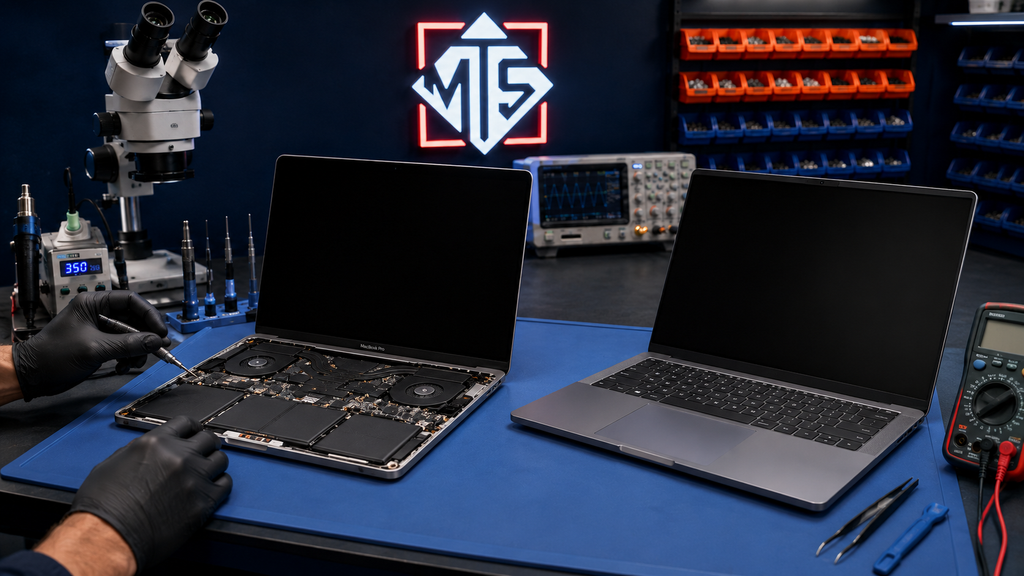 Wondering why an Apple screen or battery quote seems high? Here's how flat-rate pricing compares to component-level repair, and when each makes sense.
 -
MacBook Won't Charge Even With a New Charger? It Could Be the Logic Board
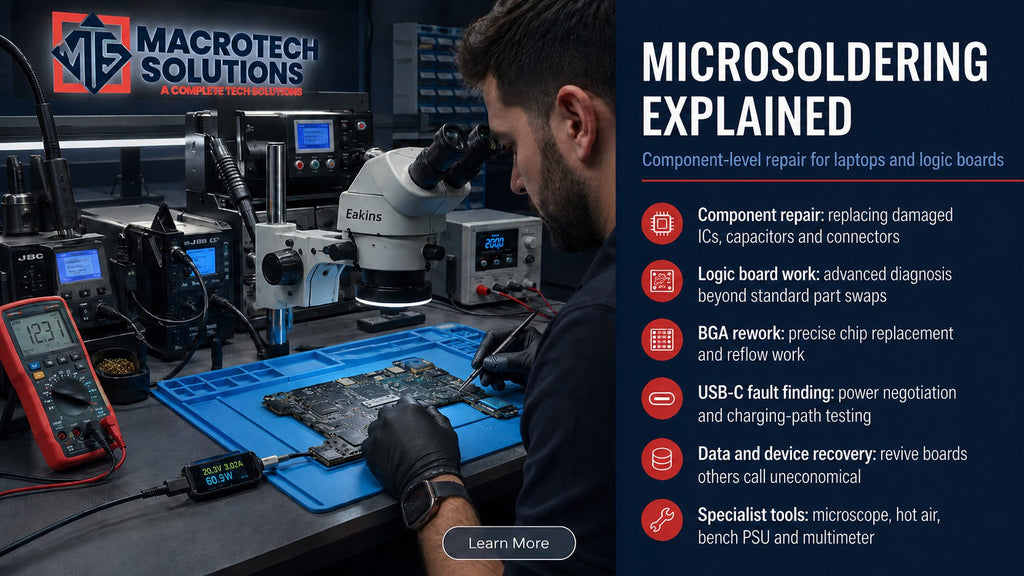 Replaced the charger and battery but your MacBook still won't charge? It could be a faulty charging chip on the logic board. Diagnostics from $50 in Carrum Downs.
 -
Apple Just Made Three More MacBooks "Obsolete" — Here's What That Actually Means
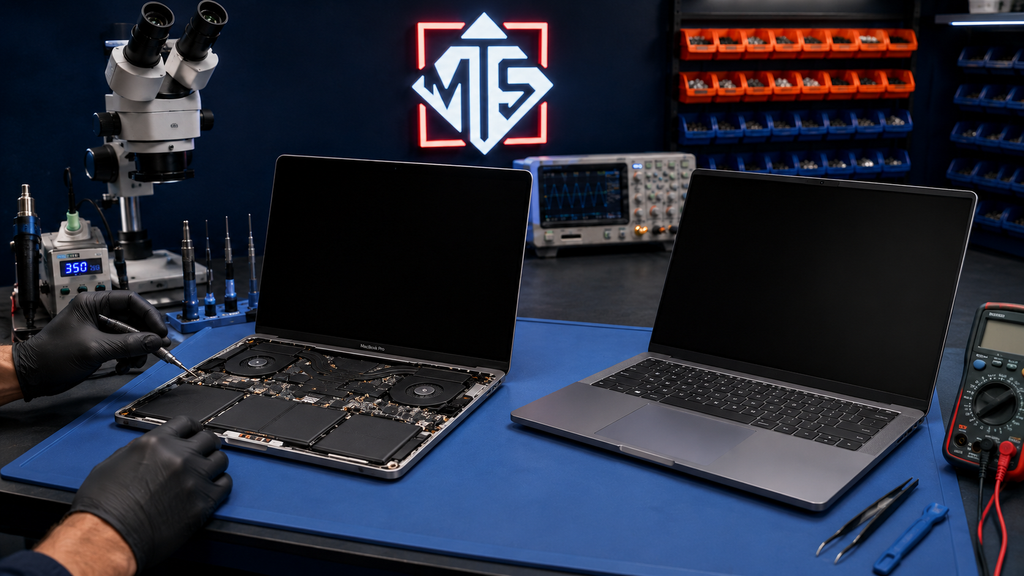 Apple has added three more MacBooks to its obsolete list. Here's what that means for repairs, parts and your options — local advice for Carrum Downs owners.
 -
MacBook Won't Charge Past 80%? Here's What's Actually Happening
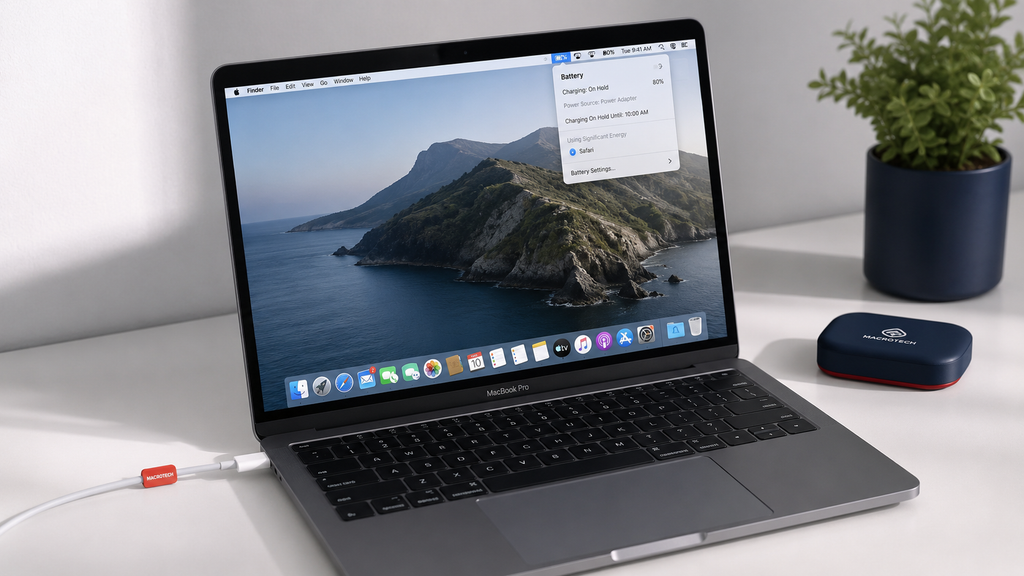 MacBook stuck at 80% charge? It's usually Optimised Battery Charging, not a fault. Here's how to tell the difference and when to get it checked in Carrum Downs.
 -
MacBook Keyboard, Trackpad or Touch ID Not Working? Here's What's Actually Wrong
 MacBook keyboard, trackpad or Touch ID not working? Learn the real causes, quick DIY checks, and when it's a hardware repair. Carrum Downs Mac specialists.
Service Centre: 50 Titan Dr, Carrum Downs
Open 10 AM to 5 PM
