

Still on Windows 10? What to Do Before Extended Security Updates End in October 2027
Windows · Upgrades & Security
Still on Windows 10? What to Do Before Extended Security Updates End in October 2027

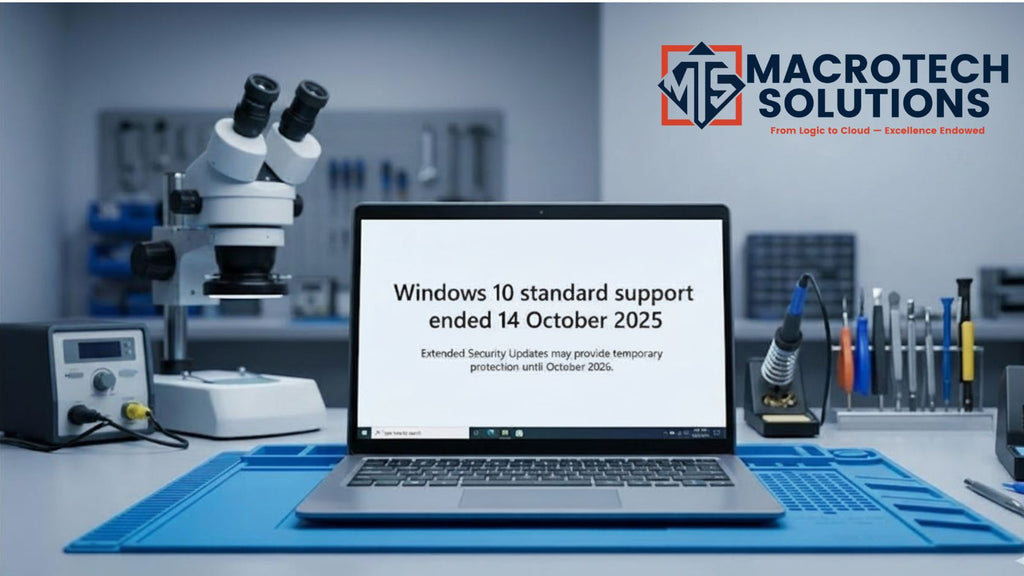
If you're still running Windows 10, your computer hasn't stopped working — but the clock is now ticking on its security. Microsoft ended mainstream support for Windows 10 on 14 October 2025, and the free safety net that replaced it, Extended Security Updates, now runs out on 12 October 2027 after Microsoft quietly extended the free consumer program by an extra year. This guide explains, in plain English, what that means and the realistic options for home and small-business users across Carrum Downs and the southeast Melbourne suburbs.
What "end of support" actually means
End of support doesn't switch your PC off. What it means is that Microsoft no longer ships the monthly security updates that quietly patch newly discovered vulnerabilities. Your apps keep opening and your files are still there — but over time, an unpatched operating system becomes an easier target for malware and scams, which matters most if you bank, shop or handle email on the machine.

Your four options, compared
There's no single right answer — it depends on your PC's age and what you use it for. Here's how the choices stack up.
| Option | Best for | Things to know |
|---|---|---|
| Upgrade to Windows 11 (free) | PCs from roughly the last 4–6 years that meet the requirements | Needs a supported CPU, 4GB+ RAM, and TPM 2.0 with Secure Boot. Keeps your files in most cases — but back up first. |
| Extended Security Updates (ESU) | Buying a little time on a PC you're not ready to change | Critical updates only, and only until 12 Oct 2027 (extended a year by Microsoft in June 2026). Consumer enrolment options include a free route (signing in with a Microsoft account and syncing settings), redeeming Microsoft Rewards points, or a small one-time paid option (about US$30). It's a stop-gap, not a long-term fix. |
| Upgrade the hardware | Older but otherwise solid machines that feel slow | An SSD and RAM upgrade can make a capable PC feel new and, where supported, run Windows 11 comfortably — far cheaper than replacing it. |
| New or custom-built PC | PCs that can't run Windows 11 or are worn out | Best long-term value when the old machine is past its prime. A custom build is specced to what you actually do — home, office, creative or gaming. |
How to check if your PC can run Windows 11
Windows 11 has stricter hardware requirements than Windows 10 — chiefly a relatively recent processor, at least 4GB of RAM, and a security chip called TPM 2.0 with Secure Boot enabled. Microsoft's free PC Health Check app gives a quick yes/no, but it doesn't always explain why a PC fails or whether a small change (like enabling TPM in the BIOS) would fix it. That's where a proper diagnostic helps — sometimes a PC that "fails" simply has a setting switched off.

Don't skip the backup
Whatever path you choose, back up your important files first. Upgrades usually go smoothly, but interruptions, power loss or a marginal old drive can occasionally cause data loss at exactly the wrong moment. If your drive is already showing its age — slow loading, freezes, odd noises — that's worth checking before you upgrade, not after.
Getting it sorted locally in Carrum Downs
If you're in Carrum Downs, Frankston, Cranbourne, Langwarrin, Seaford, Skye or Patterson Lakes, you don't have to figure this out alone. At Macrotech Solutions, we'll check whether your PC can run Windows 11, back up your data, carry out the upgrade or a sensible SSD/RAM refresh, and — if the machine really is past it — build or supply a new one specced to what you need. You get a written quote before any work begins, and our repairs carry a 12-month warranty.
Related Macrotech services
Desktop computer repairs & upgrades · Laptop repairs · Custom PC builds · Data backup & recovery · Book a service
Not sure if your PC is ready for Windows 11?
Book a compatibility check and upgrade quote — or call us. Same-day diagnostics at 50 Titan Drive, Carrum Downs.
Book a Service Call (03) 8759 1801Frequently asked questions
Is my Windows 10 computer unsafe to use now?
It still works, but since 14 October 2025 Windows 10 no longer receives standard security updates. Without updates (or ESU), newly discovered vulnerabilities aren't patched, which raises the risk over time — especially for online banking and email.
When do the free Extended Security Updates end?
Consumer ESU provides critical security patches until 12 October 2027 — Microsoft quietly extended this free program by an extra year in June 2026. After that date, even ESU-enrolled Windows 10 PCs stop receiving updates.
Can my PC run Windows 11?
Windows 11 requires a supported processor, 4GB or more RAM, and TPM 2.0 with Secure Boot. Many computers from the last few years qualify; some older ones don't. We can check for you during a diagnostic.
Is it worth upgrading an old PC instead of replacing it?
Often yes. If the machine supports Windows 11, an SSD and RAM upgrade can make it feel new for a fraction of the cost of a replacement. If it can't run Windows 11 or the hardware is worn, a new or custom-built PC may be better long-term value. A diagnostic tells you which.
Will I lose my files when upgrading to Windows 11?
An in-place upgrade usually keeps your files and apps, but you should always back up first. We back up your data before any upgrade or rebuild so nothing is lost.
Macrotech Solutions is an independent repair centre and is not affiliated with Microsoft Corporation. "Windows", "Windows 10" and "Windows 11" are trademarks of Microsoft Corporation, used here for description only. Extended Security Updates dates and enrolment options are set by Microsoft and may change — check Microsoft's official Windows 10 end-of-support page for the latest details.